Printing
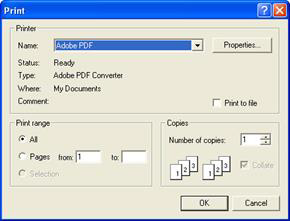
A design template showing the design at full size and with registration marks can be printed. Just choose print from the File menu.
The template can be previewed before sending the output to the printer. Below is a sample template with a monogram surrounded by a frame. Note the registration marks.

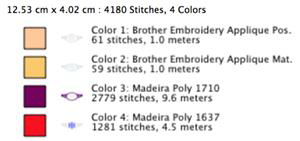
The second page of the worksheet displays size, stitch and color counts, and a list of the colors used in the design with approximate thread requirements.
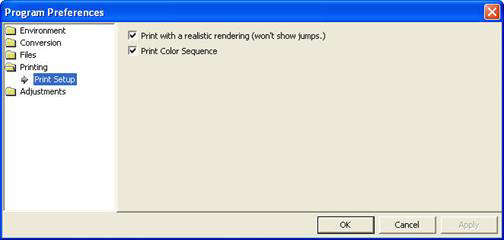
Printing preferences, found in the Program Preferences window.