Printing
A design template showing the design at full size and with registration marks can be printed. Just choose print from the File menu or click the printer icon on the tool bar.
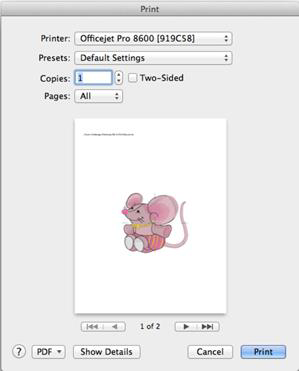
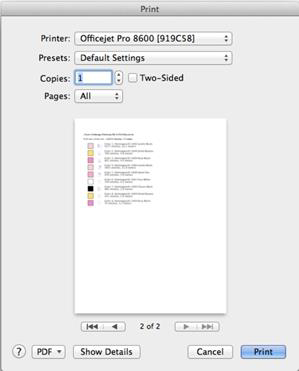
The template can be previewed before sending the output to the printer. The second page of the worksheet displays size, stitch and color counts, and a list of the colors used in the design with approximate thread requirements.
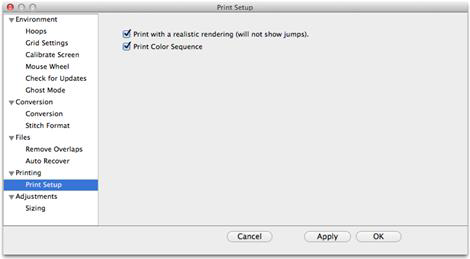
Printing preferences, found in the Program Preferences window.
Note: When applying Baste Hoop, as with any design that maximizes the sewing field, you will need to pay more attention to precise hooping since you will not be able to adjust it at the machine.