 Once stitches have been selected, you
can delete them or split them, To split them, click the ‘Split’ button. This
will create a separate design for the selected stitches. It will also remove the
stitches from the current design. If your design is lettering or a Library
design, this process will convert that design to stitches so you will not be
able to adjust that design the same as before.
Once stitches have been selected, you
can delete them or split them, To split them, click the ‘Split’ button. This
will create a separate design for the selected stitches. It will also remove the
stitches from the current design. If your design is lettering or a Library
design, this process will convert that design to stitches so you will not be
able to adjust that design the same as before.
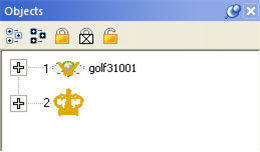
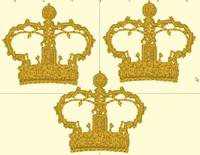
Above, the design has been split, and the crown was copied and pasted.