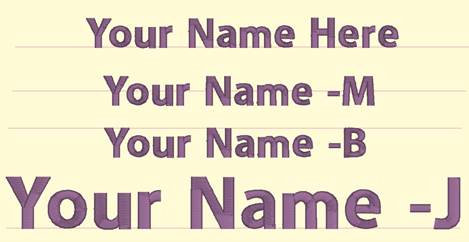
The simplest of the template forms is a namedrop. It is a simple 2-point line, running left to right, which controls where lettering will be placed.
Namedrops have the options: –c (center), -l (left), -r (right), -j (justify), -m (middle), -t (top). These options inform the template where on the line to place the lettering. The middle and top options refer to vertical placement.
Namedrop shapes can be named using the options along with a number, ex: “namedrop –cm 1” will cause “letters 1” to be placed in the center horizontally and middle vertically. If the letter name specifies a different option, that will override the template name.
Once the lettering is linked with the template, most of the normal lettering handles still do all the regular operations such as move and rotate. The only difference is that the lettering will always stay on the template line.
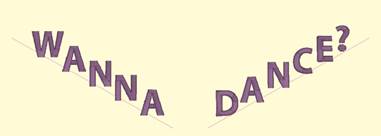
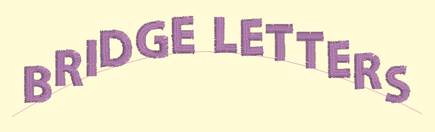
If you have StitchArtist, information about drawing namedrops can be found in the ‘Drawing Lettering Templates’ section of this manual.