Ghost Mode
Ghost Mode is an option relating to how the Main View displays objects when not selected. The idea for Ghost Mode is to make it more obvious which objects are selected by fading out those items that are not selected.
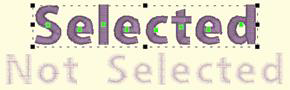
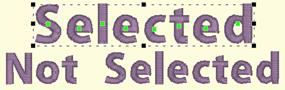
Left: Ghost Mode on. Right: Ghost Mode off (slider at 100%).
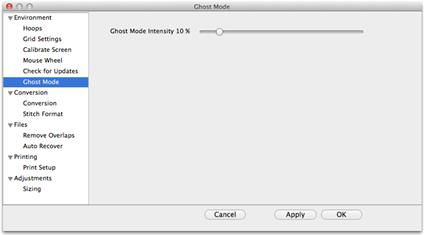
The intensity of the Ghost Mode can be altered with the Preferences.
Note: If you set intensity to 0%, when you have any object(s) selected, the unselected ones will become invisible. They will reappear again when no object is selected.