The Main View
Design pages are displayed in the Main View of the program. There can be multiple design pages open at any given time. For each page in use, a Tab control is displayed at the top of the Design page. Additional Design pages are added by clicking the New button on the Main tool bar, by pressing Ctrl-N by choosing New Page from the File menu or choosing New from the Window menu:

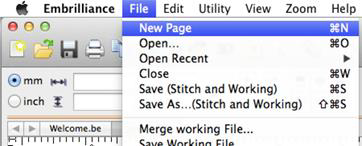
Creating a new design page.
The Tab control will display the name of the file associated with the page once it has been saved, otherwise it is named “untitled x” where x is a running number.
The Main View has a background, a hoop, and rulers along the side and, naturally, the designs you have placed in the Design Page.
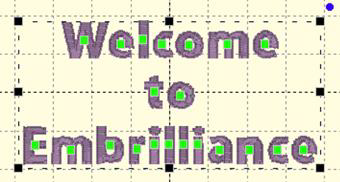
 Zooming